
Varta Keyboard · 8 Indian languages + English
Type your language the way it sounds.
Varta is a phonemic keyboard for Indian languages. Type a consonant, then a vowel, and Varta writes the right letter. No hunting for vowel signs, no typos, and the same layout on your phone and your computer.
 Edge
Edge- 15K+ downloads
- 9 languages
- 5 platforms
Voice typing
Or just say it
Tap the microphone and speak naturally. Here, the same sentence about India is spoken in seven languages, and Varta types each one as it’s said.
- Speak in your own language, no English needed
- Great for long messages, notes and emails
- We don’t store your speech or the text
How it works
Consonant + vowel = the right letter
Other keyboards have separate keys for vowel signs, which makes typos and invalid letter combinations easy. Varta has none. You type the sounds, and Varta handles the script’s rules, even removing a trailing halant in Hindi (राम् → राम).
- Bengaliব্+আ→বা
- Hindiर्+आ→रा
- Kannadaವ್+ಆ→ವಾ
- Malayalamക്+ഉ→കു
- Marathiम्+ए→मे
- Sanskritस्+औ→सौ
- Tamilக்+ஓ→கோ
- Teluguర్+ఆ→రా
Features
Everything you need to type fast
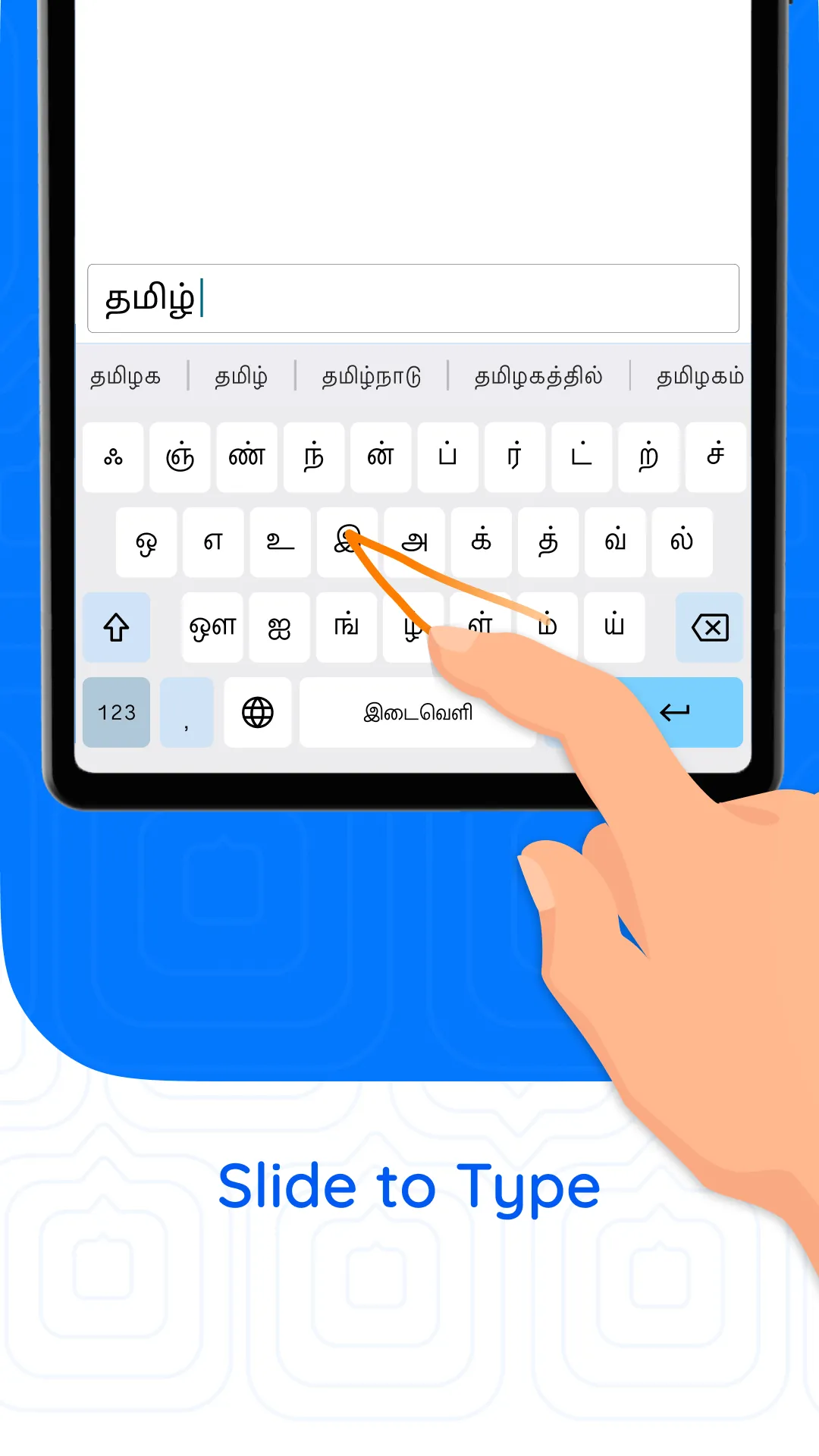
Slide typing
Glide your finger across the keys to type whole words quickly, in all 8 Indian languages.
Indic voice typing
Speak naturally and Varta writes it down in your language.
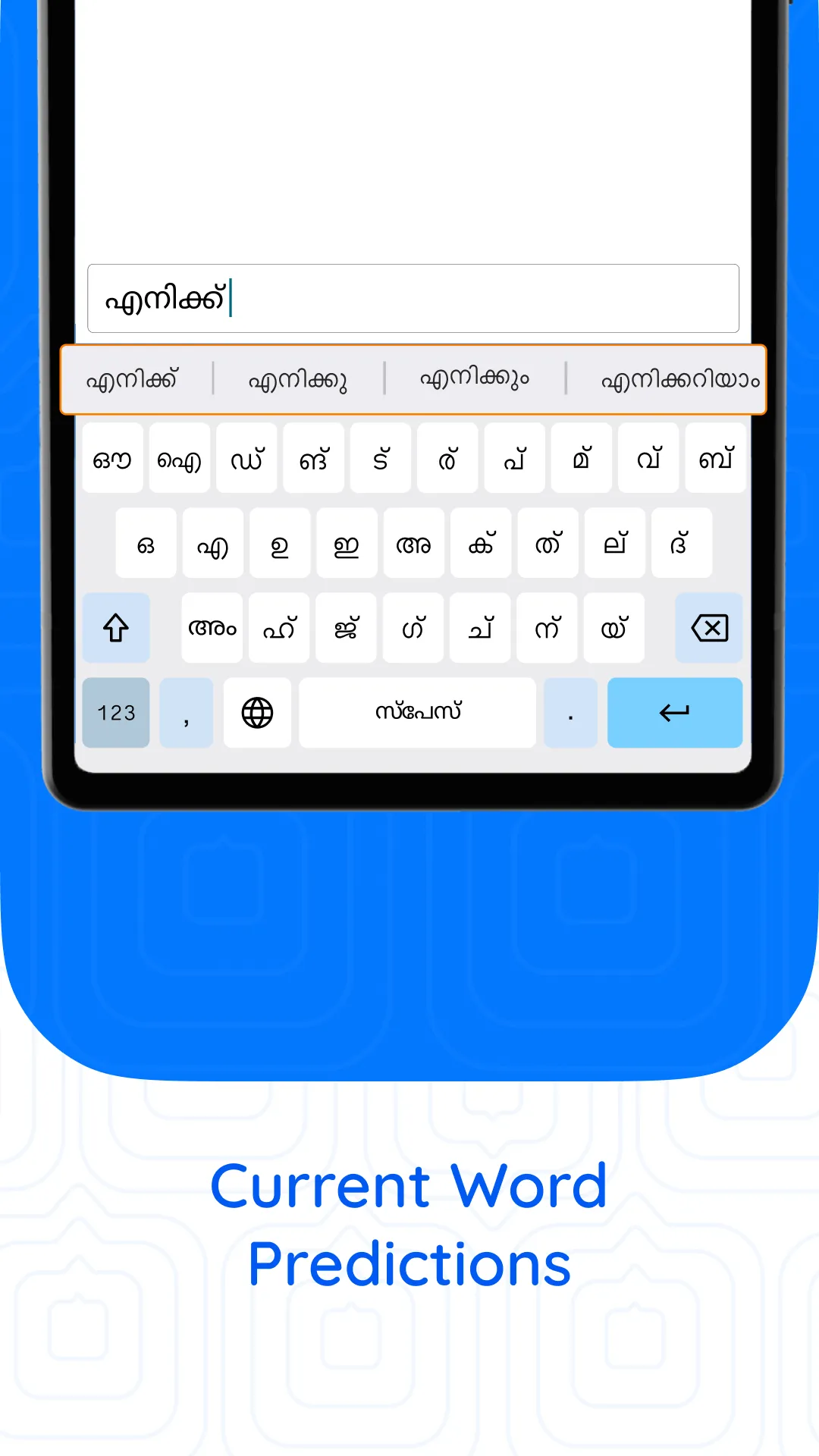
Smart predictions
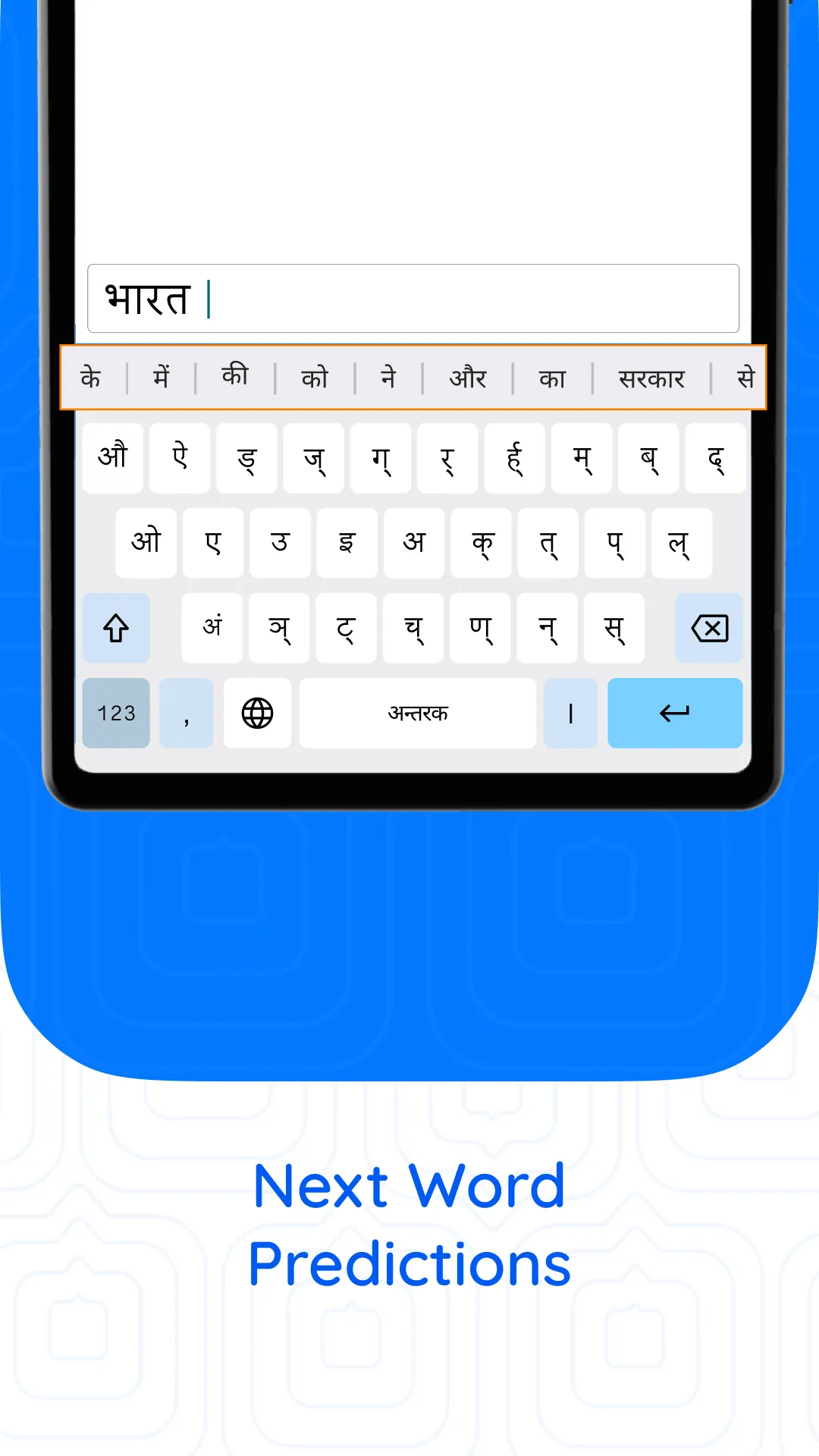
Suggestions from over 1 lakh words in each language, plus next-word predictions as you type.
Your own dictionary
Words you use often, like names and places, are remembered and suggested.
QWERTY-compatible
Letters sit on standard QWERTY positions, so the same muscle memory works on phone and computer.
One keyboard, many languages
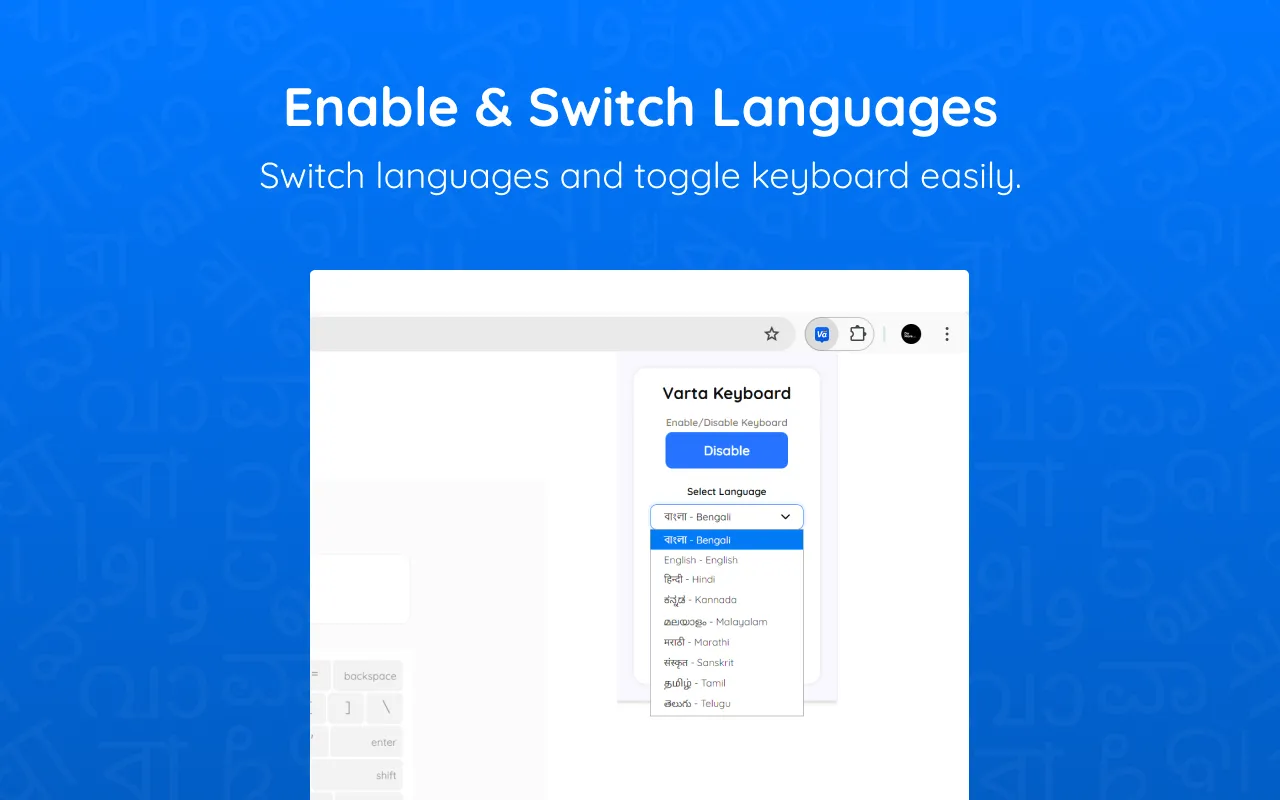
Switch between your languages and English with a tap, without installing another keyboard.
Languages
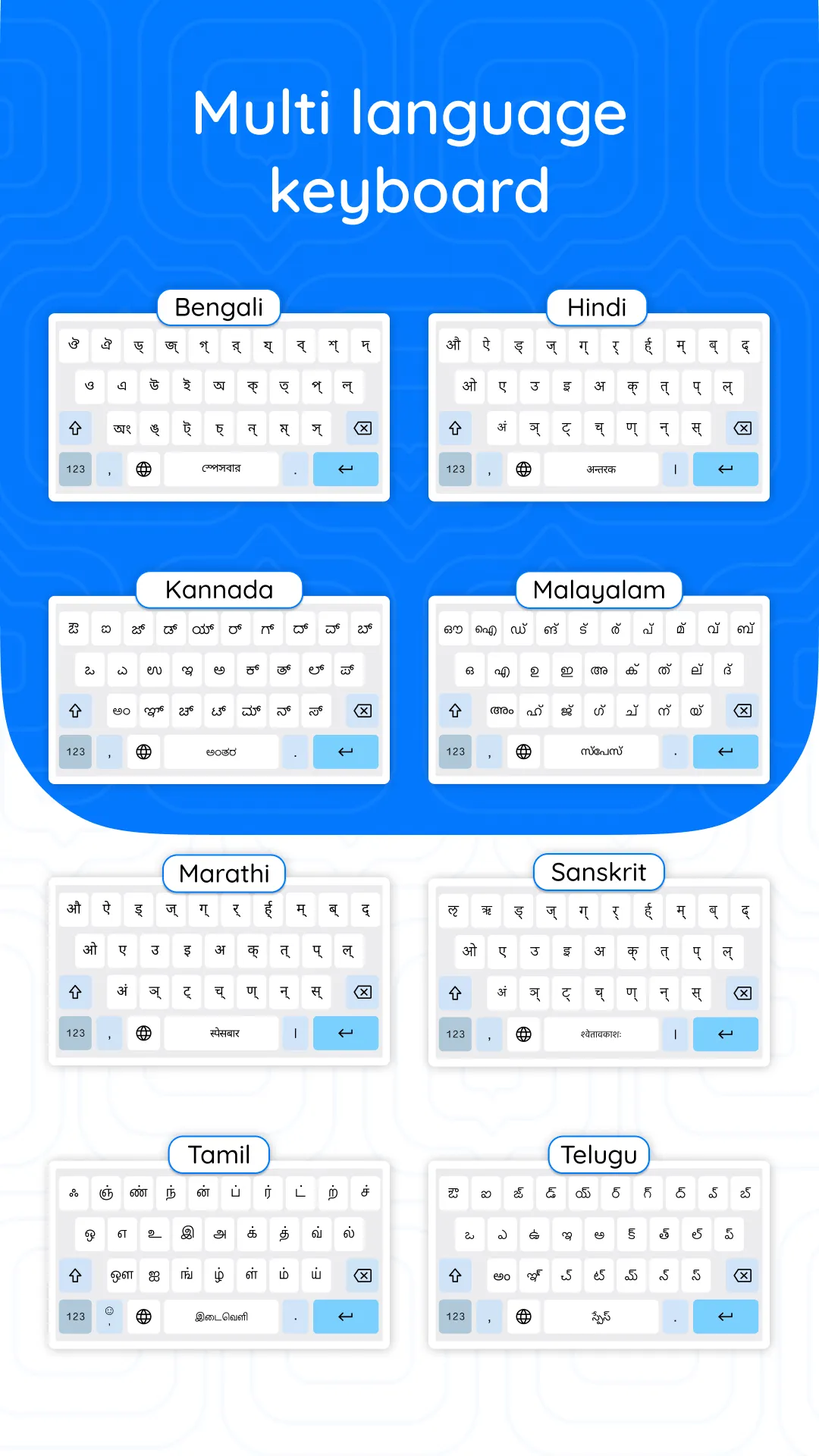
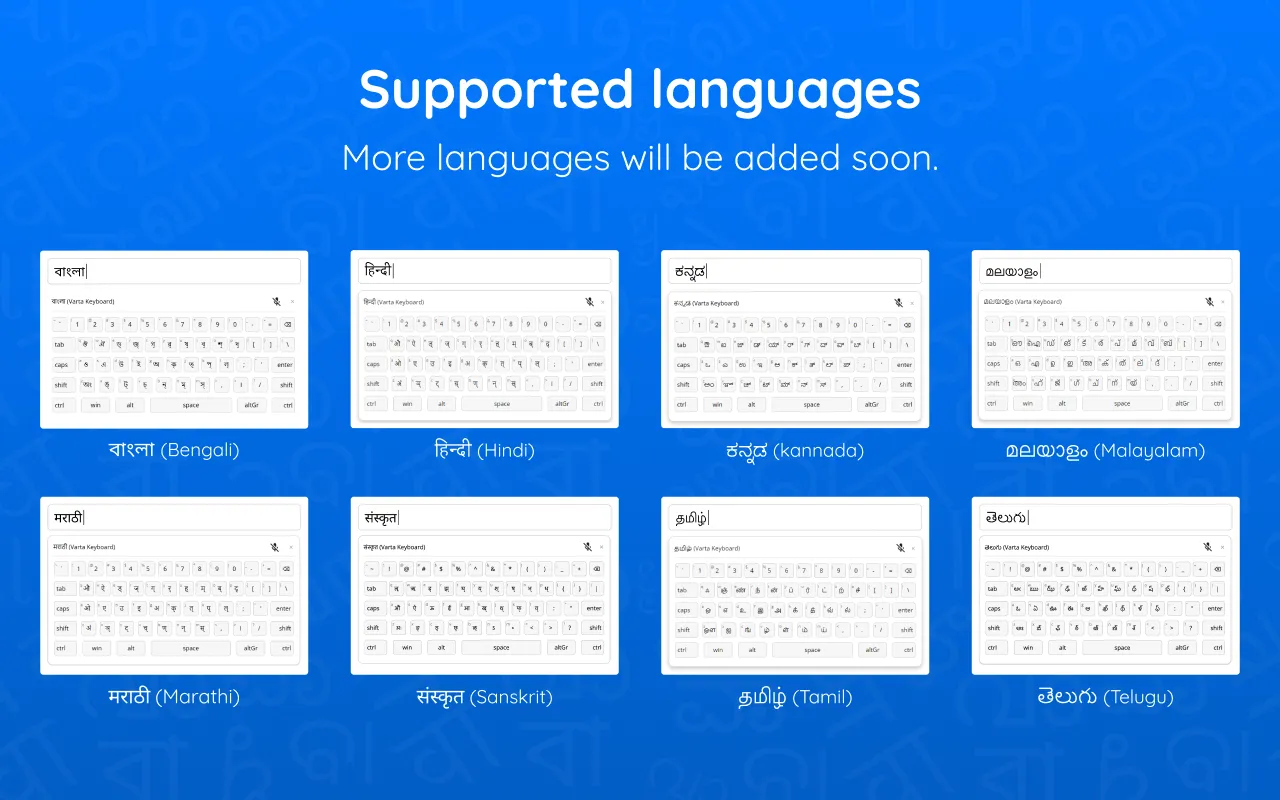
One keyboard, nine languages
Each layout is designed separately from how the language sounds and how often each letter is used, so the most common letters sit under your strongest fingers.
- বাংলাBengali
- हिन्दीHindi
- ಕನ್ನಡKannada
- മലയാളംMalayalam
- मराठीMarathi
- संस्कृतम्Sanskrit
- தமிழ்Tamil
- తెలుగుTelugu
- English
Coming soon: Gujarati, Assamese, Punjabi
On your computer
The same keyboard in your browser
Varta’s browser extensions let you type in emails, documents and social media right inside Chrome, Edge and Safari, using the same QWERTY-compatible layout as your phone.
- Voice typing for long-form text
- Switch languages from the toolbar
- On-screen layout reference whenever you need it
- Conjuncts and special characters with Alt + Shift (Option + Shift on Mac)

Learn the layout in minutes
Varta Typing Tutor is an online tutor for learning to type with Varta Keyboard.
Open Typing TutorResearch
Designed from data
Our layouts come from character-frequency analysis of large text collections, over 600 million words for Tamil. Read how we did it:
FAQ
Good to know
Which languages does Varta support?
Bengali, Hindi, Kannada, Malayalam, Marathi, Sanskrit, Tamil and Telugu, plus English. Gujarati, Assamese, Punjabi are coming soon.
Do I need to know English to use Varta?
No. You type directly in your language by its sounds; there is no need to spell words in English letters.
Does Varta work on my computer?
Yes. Browser extensions for Chrome, Edge and Safari bring the same layout and voice typing to your computer, so what you learn on your phone works on your laptop too.
Does Varta collect what I type?
No. Varta doesn’t collect what you type, and the app doesn’t track you. Voice typing sends your speech securely for transcription; we don’t store the audio or the text. Varta asks only for the permissions a feature needs, such as the microphone for voice typing.
How do I delete my account?
You can delete your Varta account in the app, or request deletion on our account deletion page. Your account is kept for 30 days in case you change your mind, then permanently removed. Delete your account →

Start typing in your language
On your phone or in your browser.